

Within the landscape of Dynamics customization, the Tabbed Section stands out as a potent yet frequently overlooked feature. This tool offers a novel method for enhancing user interfaces, yet many may not be aware of its existence.
What is a Tabbed Section?
A Tabbed Section is a single-column section tailored to enhance your Dynamics forms. It enables the seamless integration of various controls, such as sub-grids, quick view controls, and knowledge base search controls, into a well-organized, tabbed interface.

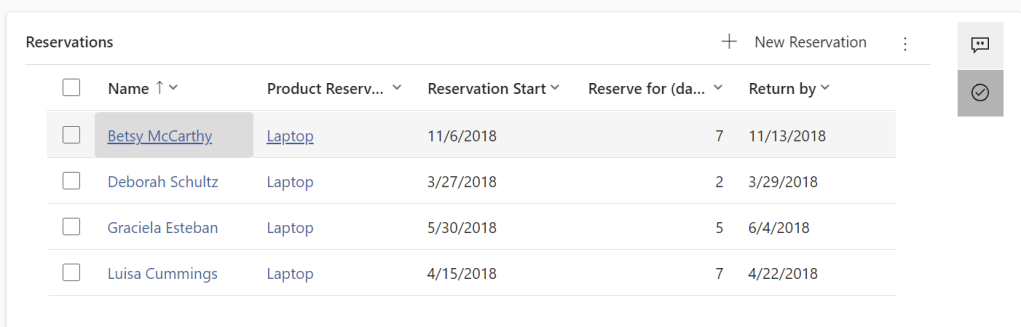
During runtime, each control added to a Tabbed Section is presented as a vertical tab. This structure not only makes for a cleaner and more efficient user interface but also enhances user experience by making navigation intuitive. You can easily customize the order of the tabs by dragging and dropping the controls within the panel. The first control you add automatically becomes the default tab visible at runtime, with subsequent tabs appearing in the order they were added.
Integrating a Reference Panel into your form is a straightforward process. By default, it is added as the last section within the tab, though you can adjust its placement to suit your design preferences. It’s important to note that you can include only one Tabbed Section per form, which highlights the importance of strategic planning in its use.
 My Trial