

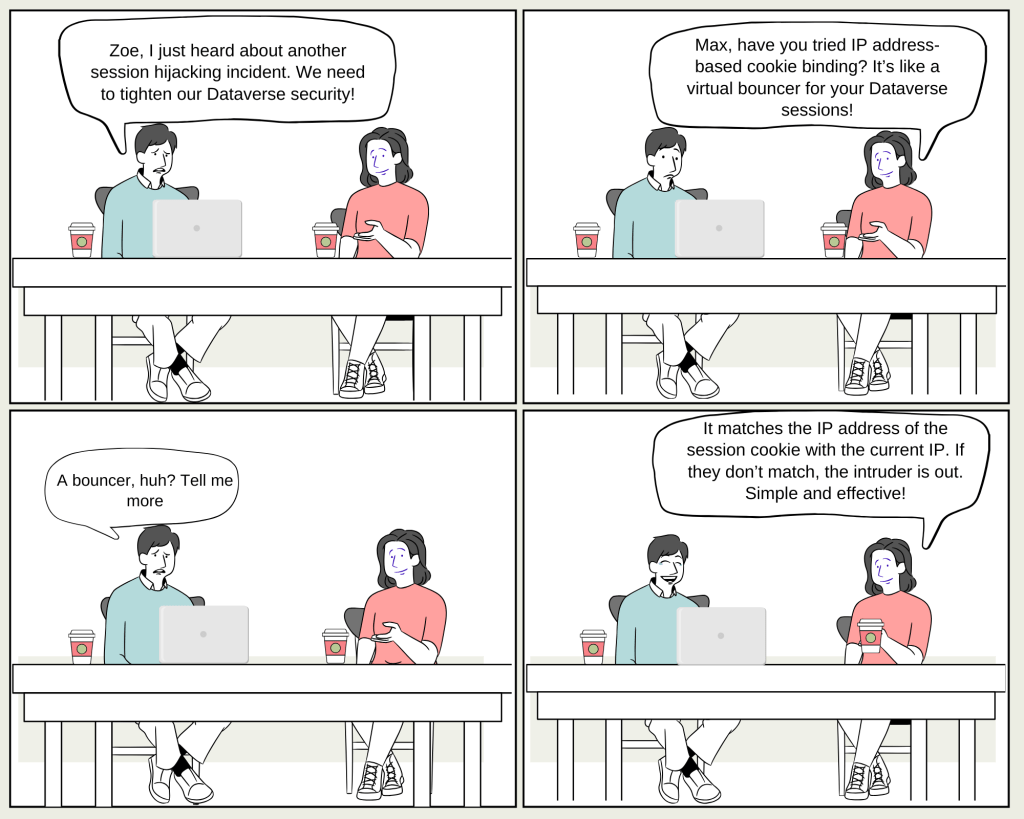
Max: “Zoe, I’m getting more concerned about session hijacking risks in our Dataverse environments. Do you think we’re secure enough?”
Zoe: “I hear you, Max. One of the best ways to prevent these attacks is by enabling IP address-based cookie binding. It’s a powerful feature that can really beef up our security.”
Max: “How does it work exactly?”
Zoe: “Imagine a scenario where a malicious user copies a valid session cookie from a trusted device. Without IP-based cookie binding, they could use that cookie on any device to gain unauthorized access to Dataverse.”
Max: “That sounds like a nightmare!”
Zoe: “It can be. But with IP-based cookie binding, Dataverse compares the IP address stored in the cookie with the IP address of the current request. If the addresses don’t match, the attempt is blocked immediately, and an error message is shown.”
Max: “So, it’s like a checkpoint for every session?”
Zoe: “Exactly. And the best part? It works in real time. The moment a discrepancy is detected, the session is denied access.”
Max: “What happens if someone’s IP changes, like when switching networks or using a VPN?”
Zoe: “Good question! In those cases, the user will need to reauthenticate. It’s a small inconvenience, but it’s worth the added security.”
Max: “How do we enable this feature?”
Zoe: “It’s pretty straightforward. You can enable it in the Power Platform admin center under the Privacy + Security settings for each environment. Just flip the switch for ‘Enable IP address-based cookie binding’ and hit save.”
Max: “Are there any situations where this might not work as expected?”
Zoe: “There are a few exclusions. For example, if you’re using a reverse proxy with dynamic IPs, the cookie binding won’t work properly. Also, if the user reconnects from the same IP, the old cookie will still be valid.”
Max: “Got it. And what about testing? How can we make sure it’s working?”
Zoe: “Simple! Clear all cookies in your browser, sign in to a Dynamics 365 environment with the feature enabled, then try using the session cookie from a different network. If everything’s set up correctly, you should get an HTTP 403 error.”
Max: “Thanks, Zoe. This sounds like a great way to safeguard our sessions. I’m going to enable this right away.”
Zoe: “Glad to help, Max. Just remember, security is an ongoing process. We need to stay vigilant and keep exploring new features to protect our data.”
 My Trial