

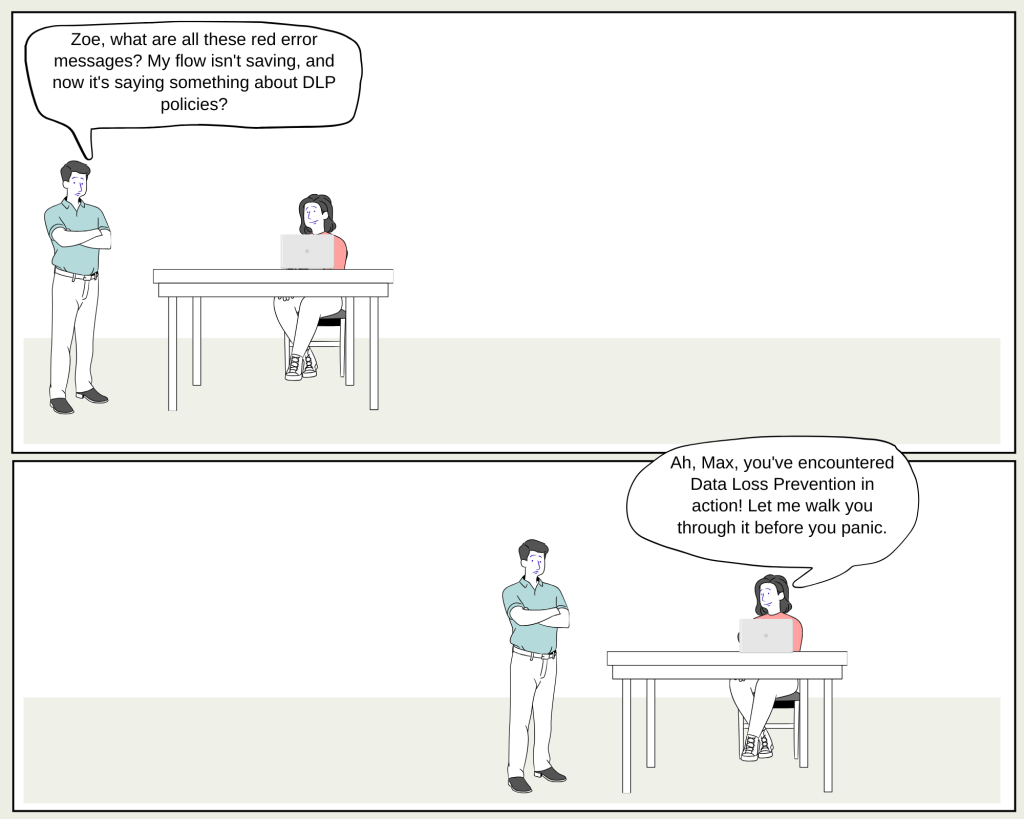
Max: “Zoe, I’ve been working on this flow for hours, and suddenly it’s not letting me save. The error message says something about a blocked connector due to DLP policies. What’s going on?”
Zoe: “Welcome to the world of Data Loss Prevention, or DLP, Max! It’s all about keeping your organization’s data secure while allowing you to build apps and flows with confidence.”
Max: “Okay, but why is it blocking my flow? I just wanted to check the weather using the MSN Weather connector.”
Zoe: “That’s a great example, Max. DLP policies are like guardrails that your Power Platform admin sets up. These guardrails prevent you from accidentally exposing sensitive organizational data by restricting certain connectors, like the one you’re trying to use.”
Max: “So, these policies are stopping me from saving my work?”
Zoe: “Exactly! DLP policies work in two key scenarios: design-time and runtime. In design-time, like now, it prevents you from saving or running an app or flow that uses blocked connectors. In runtime, if a flow or app tries to use a connector that’s been deactivated by a policy, it’ll fail to run and notify you of the issue.”
Max: “That’s why I got that error when I tried to run the flow yesterday at 3 AM. But what about custom connectors? Can those be blocked too?”
Zoe: “Yes, custom connectors can also be governed by DLP policies. They offer great flexibility but need to be managed carefully to ensure they don’t compromise your data security.”
Max: “And what happens if these policies change? Will all my existing apps and flows stop working?”
Zoe: “Not necessarily. When a policy is updated, it cascades down through your environments, checking each app, flow, and connection. If something violates the new policy, it’s either suspended or put in quarantine until it’s fixed. This process helps ensure that all your resources comply with the latest security standards.”
Max: “That sounds pretty thorough. But what if I need to update my flow quickly? How long does it take for these policies to be enforced?”
Zoe: “The time it takes can vary depending on the number of environments and resources your organization has. In most cases, policy changes take effect within an hour, but in more complex setups, it could take up to 24 hours.”
Max: “Wow, there’s a lot more to DLP policies than I thought. Thanks for breaking it down, Zoe!”
Zoe: “Anytime, Max! Remember, these policies are there to protect you and your organization. They might seem restrictive at first, but they’re essential for keeping everything secure.”

 My Trial