

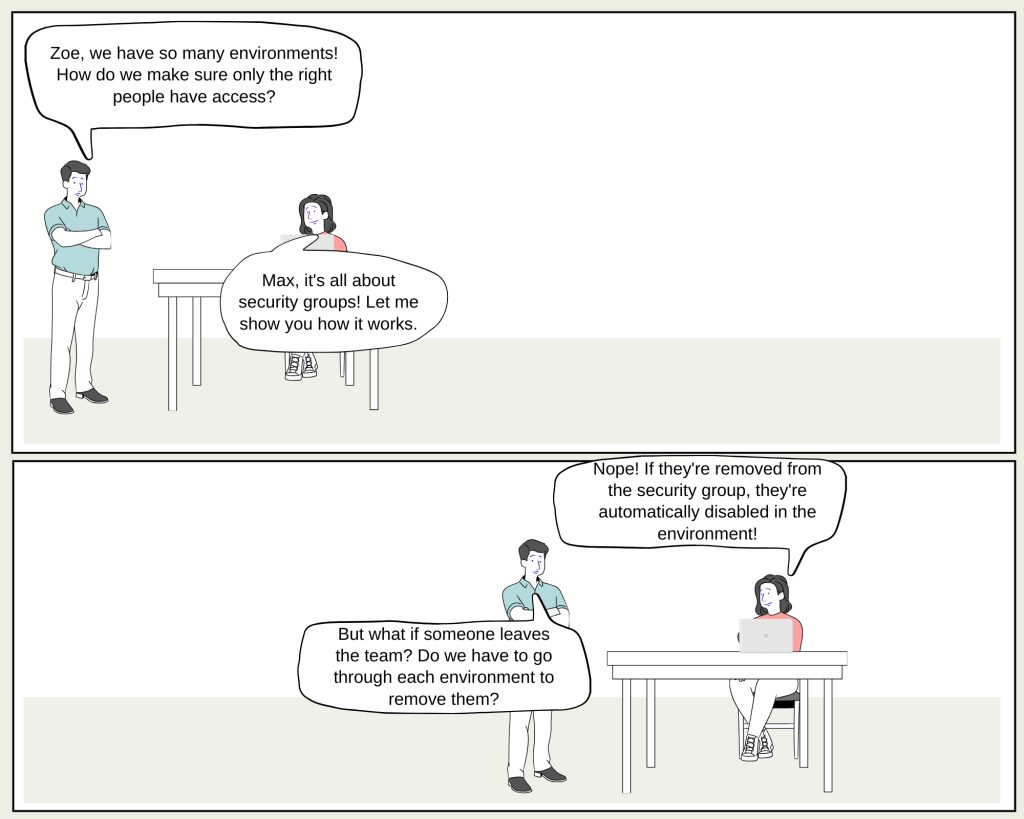
Max: “Hey Zoe, I’ve been hearing a lot about security groups in Power Platform. What’s the big deal?”
Zoe: “Max, security groups are like the gatekeepers of your environments. They control who gets in and who stays out. Imagine you have a set of environments for your company—Sales, Marketing, Service, and Dev. Each of these environments can be protected by a security group.”
Max: “So, each environment has its own security group?”
Zoe: “Exactly! Let’s say you have a security group called ‘Sales_SG’ for your Sales environment. Only members of that group can access the Sales environment, ensuring that sensitive sales data isn’t exposed to the wrong people.”
Max: “Got it. But what happens if someone from the Sales team leaves the company?”
Zoe: “Good question! If someone is removed from the ‘Sales_SG’ security group, they’re automatically disabled in the environment. You don’t need to manually remove them from every environment—just update the security group.”
Max: “That sounds like a real time-saver. What about adding new users?”
Zoe: “Simple! When you add new members to a security group, they’re automatically granted access to the associated environment. But remember, they also need to be assigned a security role to access any data or run apps.”
Max: “And what about nested security groups? I heard they work a bit differently.”
Zoe: “Great point! If you nest a security group within another, like adding ‘Managers_SG’ under ‘Sales_SG,’ the members of ‘Managers_SG’ won’t be pre-provisioned. They’ll be added to the environment when they first access it, but they won’t be able to do anything until they’re assigned a security role.”
Max: “That’s clever. So, what happens if we change the security group for an environment?”
Zoe: “If you replace an old security group with a new one, there’s a clean-up process that disables users not in the new group and adds the new members. It’s mostly automated but might take some time depending on the number of users.”
Max: “This really simplifies managing access across multiple environments. But what about trial environments?”
Zoe: “Trial environments don’t support automatic user assignment, so users have to be added manually. Also, you can’t assign security groups to default or developer environments anymore. The default environment is meant to be shared with everyone in the tenant, and the developer environment is intended just for its owner.”
Max: “Thanks for the breakdown, Zoe! Managing user access sounds a lot less intimidating now.”
Zoe: “Glad to help, Max! Just remember, security groups are your best friend when it comes to controlling who can access what in Power Platform environments.”
 My Trial