

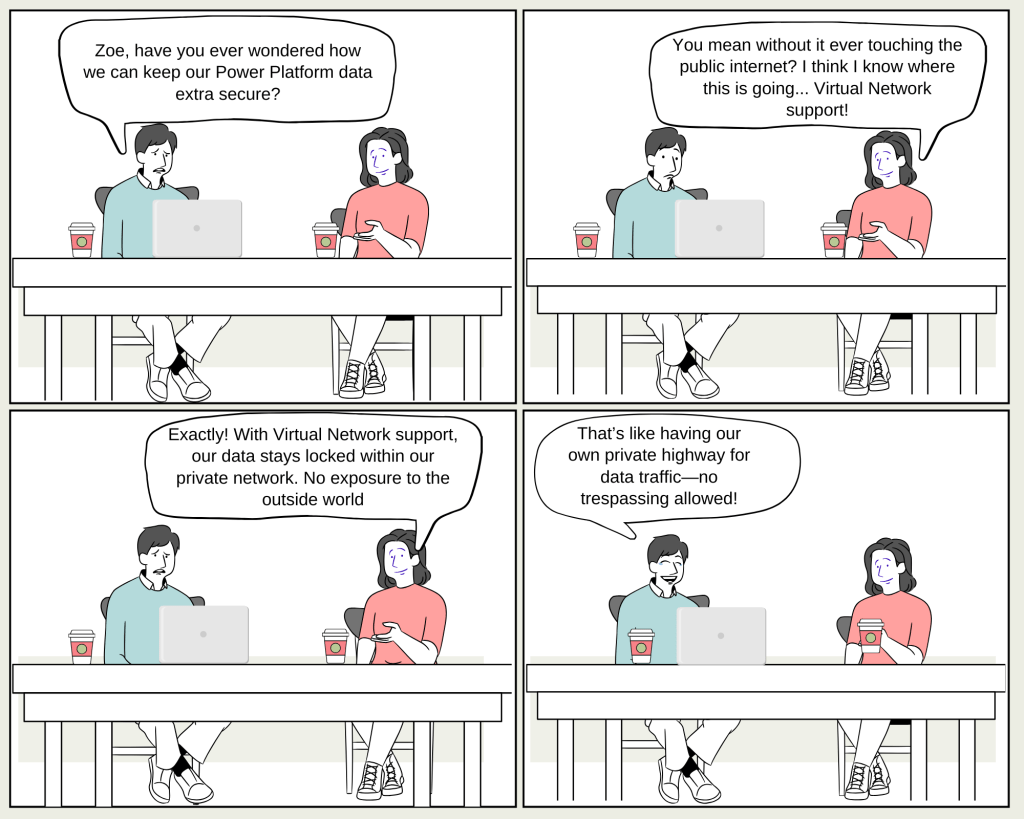
Max: “So, Zoe, I heard there’s a new way to keep our Power Platform resources super secure by using Azure Virtual Network. Can you break it down for me?”
Zoe: “Sure, Max! Virtual Network support allows us to connect Power Platform directly to our resources inside a Virtual Network without exposing them to the public internet. It’s like having a private tunnel where only our data can travel.”
Max: “Sounds pretty cool! But how does it actually work?”
Zoe: “Power Platform integrates with your Virtual Network using Azure subnet delegation. This means all outbound traffic from Power Platform to your enterprise resources stays within your private network. No more worrying about data breaches from public exposure.”
Max: “Okay, but what about scenarios? Like, can we use this with Dataverse plug-ins?”
Zoe: “Absolutely! Dataverse plug-ins and connectors, like SQL Server or Azure Key Vault, can securely connect to your data sources within the Virtual Network. It’s perfect for keeping sensitive data under wraps.”
Max: “And what if we need to connect resources across different regions?”
Zoe: “Great question! You can use Virtual Network peering to bridge regions. For instance, if your environment is in Canada but you need to connect to resources in the US, you can set up a primary and failover Virtual Network in the respective regions.”
Max: “What’s the catch? There’s always a catch.”
Zoe: “Well, the setup needs careful planning. For example, if a plug-in calls a public service, you’ll need to move that service into your Virtual Network. Plus, everything needs to be configured to follow your network’s policies.”
Max: “Sounds like a bit of work, but totally worth it for the security boost.”
Zoe: “Definitely! It’s all about controlling the flow of data and keeping it safe from prying eyes. And don’t forget, you also get to monitor outbound traffic using Network Security Groups and firewalls.”
Max: “So, we’re basically turning our Power Platform environment into a fortress. I like it!”
Zoe: “Exactly, Max! And with the flexibility of Virtual Networks, we’re in full control.”
Max: “I’m sold! Let’s get started with Virtual Network support and make sure our data stays exactly where we want it—inside our own walls.”
 My Trial