

Marketing isn’t just about sending the right message. It’s about knowing what happens after you hit send.
In Dynamics 365 Customer Insights – Journeys, you get a full suite of analytics that helps you move beyond vanity metrics. We’re talking data that answers real questions:
Did my email drive action? Are my customer journeys actually converting? Who’s engaged and who’s dropping off?
This isn’t just dashboards for the sake of dashboards. It’s decision-making fuel.
🎯 What You Can Track (and Why It Matters)
Here’s a breakdown of the kind of insights you can pull out no Power BI wizardry required.
📨 Email Engagement
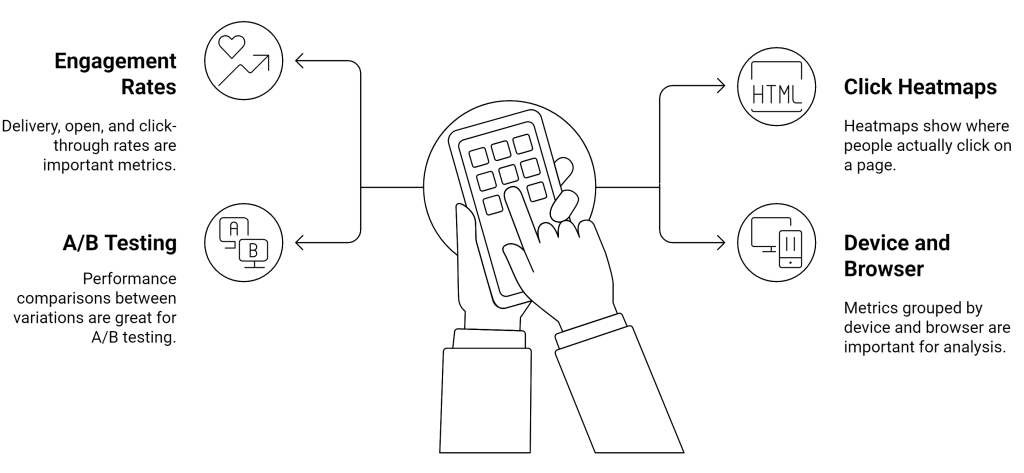
👉 These aren’t just numbers. They help you tweak subject lines, test send times, or even redesign your email layout.
🛤️ Journey Analytics
- Entry/exit summaries: See how many people started your journey and how many made it to the end
- Tile-by-tile breakdown: Which step had the most drop-offs?
- Goal tracking: How close are you to your defined success metrics?
Let’s say your goal is getting a product demo booked. The system will tell you how many people reached that point and where they fell off before that.
🧩 Link Performance & Click Maps
This one’s a favorite. Click maps don’t just show you if a link was clicked they tell you which link and where in the email. That call-to-action at the bottom? Turns out nobody scrolls that far. Now you know.
👀 Device & Client Insights
You can break down performance by:
- Operating system (iOS, Android, Windows, etc.)
- Email client (Gmail, Outlook, etc.)
- Browser (Chrome, Safari…)
This isn’t just for curiosity it can guide how you format future campaigns. No point designing the perfect Outlook email if 70% of your audience uses Gmail on mobile.
🧠 What Sets This Apart?
It’s all natively built into the journey designer. You don’t need to jump between tools, stitch together CSV exports, or guess what worked.
Everything is tied to contacts and profiles inside Dataverse. That means your analytics are not just metrics they’re connected to real people and actions.
Marketing analytics in CI-J doesn’t just report what happened. It helps you understand why it happened and what to do next. If you’ve ever wished your journeys came with a rearview mirror and a GPS for what to try next, this is it.
 My Trial