

In the world of Dataverse and Power Platform development, GUIDs (record IDs) are often the go-to for identifying records. But in integration-heavy scenarios where external systems don’t (and shouldn’t) know about Dataverse-specific GUIDs there’s a smarter, more maintainable way to reference and sync data: Alternate Keys.
In this deep dive, we’ll explore:
- What are alternate keys in Dataverse
- Why they matter in Power Platform projects
- Common use cases (upserts, integrations, APIs, sync)
- How to define and use alternate keys via UI, SDK, and Web API
- How they work with
Upsert,PATCH, andChange Tracking
What is an Alternate Key in Dataverse?
An Alternate Key is a user-defined unique identifier for a record, composed of one or more fields (columns), that serves as an alternative to the system-generated GUID.
Think of it as a natural key something that makes sense to external systems or users, like:
- Email address (e.g.,
emailaddress1) - Account Number
- Employee ID
- National Insurance Number
- ISO Code for a country or product
Once defined, alternate keys can be used in APIs, imports, and integrations to locate or match records without needing to know the internal record GUID.
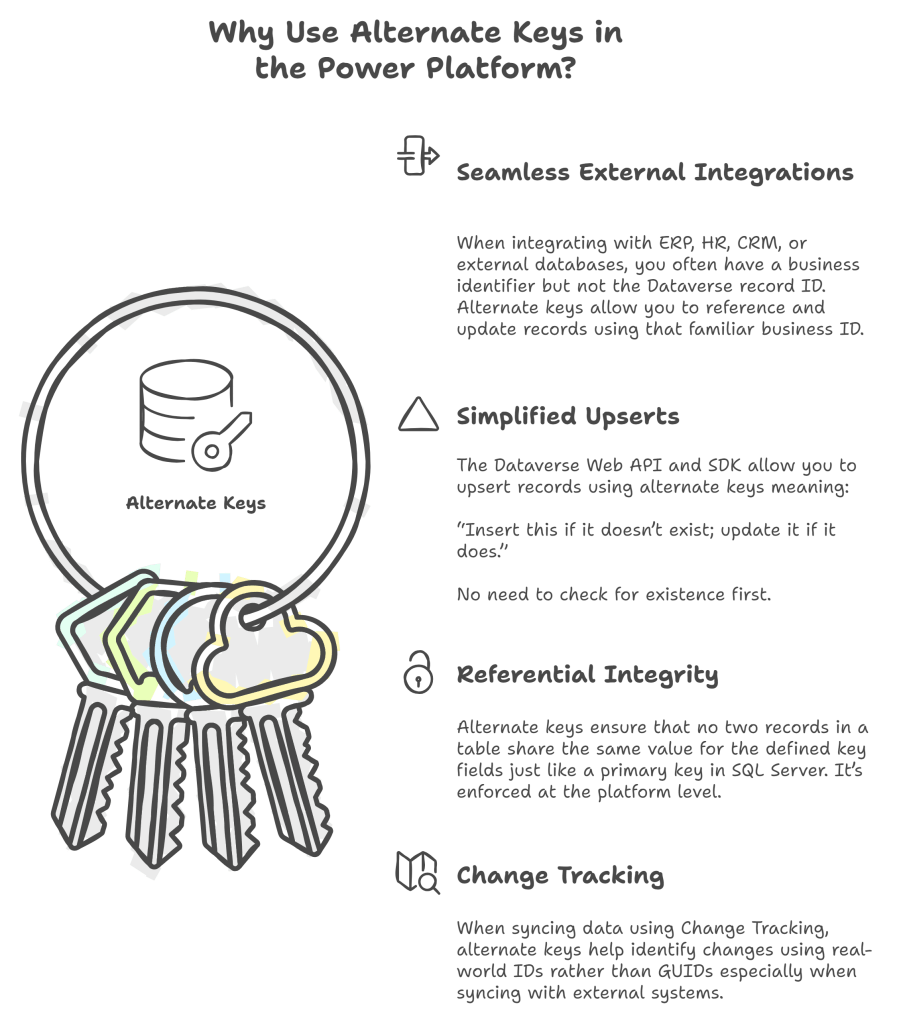
Common Scenarios Where Alternate Keys Shine
| Scenario | Why Use Alternate Keys? |
|---|---|
| Integration with SAP/ERP | Use ERP IDs instead of storing external-to-Dataverse mappings |
| Power BI DirectQuery | Filter or link data using meaningful fields like customer number |
| Data migration from legacy systems | Match records using email, SKU, or legacy ID |
| Power Automate API calls | Reference related records using natural keys |
| Web API Upsert operations | Create or update records in a single call using external IDs |
| Data sync to/from Azure SQL | Use composite keys to detect conflicts or changes |
How to Define Alternate Keys in Dataverse
Option 1: Using Power Apps Portal (UI)
- Navigate to Table > Keys
- Click + New Key
- Choose one or more columns that together form a unique combination
Example:AccountNumber, orEmail+Region - Save and publish the key
Note: Once published, alternate key creation triggers indexing this can take time on large datasets.
🧑💻 Option 2: Using SDK or Web API
You can also define alternate keys programmatically via code:
var key = new EntityKeyMetadata
{
    DisplayName = new Label("Account Number Key", 1033),
    LogicalName = "new_accountnumberkey",
    KeyAttributes = new string[] { "new_accountnumber" }
};
service.Create(key);
Or via Web API:
POST [Organization URI]/api/data/v9.2/EntityDefinitions(LogicalName='account')/Keys

{
  "KeyAttributes": ["accountnumber"],
  "LogicalName": "accountnumber_key"
}
Using Alternate Keys in API Calls
✅ Use Alternate Key in Record Reference
Instead of:
PATCH /api/data/v9.2/accounts(00000000-0000-0000-0000-000000000001)
You can do:
PATCH /api/data/v9.2/accounts(accountnumber='ABC123')
You can also reference related records this way:
POST /api/data/v9.2/contacts
{
  "firstname": "Jane",
  "lastname": "Doe",
  "parentcustomerid_account@odata.bind": "/accounts(accountnumber='ABC123')"
}
Use Alternate Keys for Upserts
Dataverse Web API supports upserts (insert if not exists, update if exists) using alternate keys:
PATCH /api/data/v9.2/accounts(accountnumber='XYZ001')
{
  "name": "New Account Name",
  "address1_city": "Melbourne"
}
- If
accountnumber='XYZ001'exists → it’s updated - If it doesn’t → a new account is created
No need to perform a GET first or handle pre-check logic.
Alternate Keys + Change Tracking
When synchronizing data with external systems using Change Tracking, using alternate keys ensures the sync process can re-identify records without managing Dataverse GUIDs.
- Helps you detect inserts, updates, and deletes
- Especially powerful when combined with
RowVersionandModifiedOntimestamps - Improves sync performance and accuracy
Important Considerations
- Alternate key creation triggers index builds plan for this in large environments
- Field(s) used in a key must be:
- Required
- Not multi-line text
- Not lookup or option set
- Not image or file
- Composite keys are supported (e.g.,
Email + CountryCode) - You can’t modify or delete a key once created delete and recreate instead
- Beware of duplicate key violations on inserts or updates
Summary: When to Reach for Alternate Keys
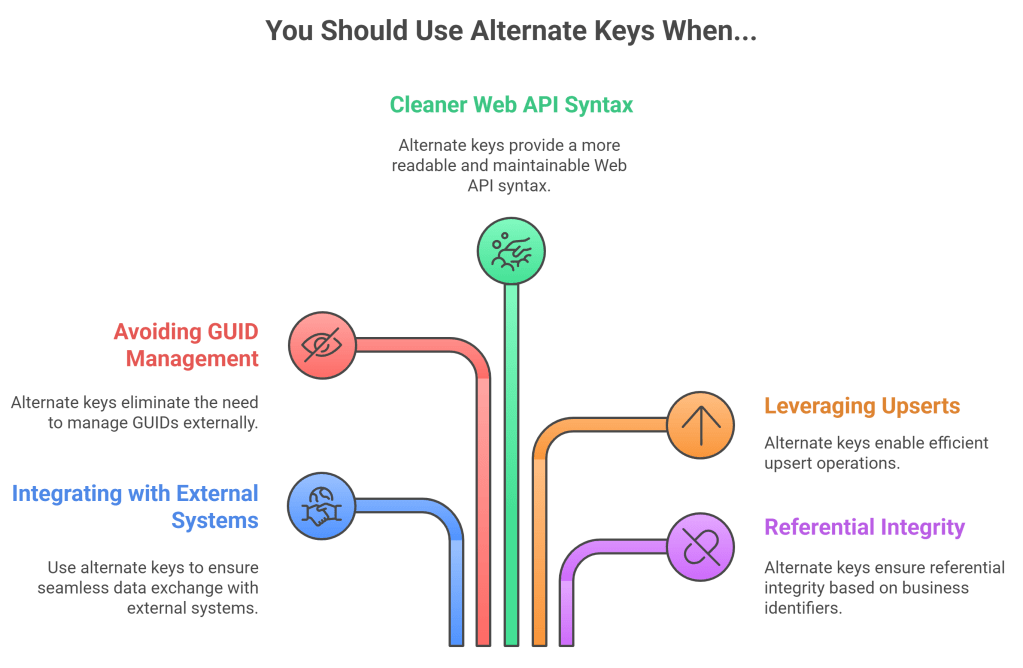
In Power Platform projects with integration touchpoints, background operations, Power Automate APIs, or external sync, alternate keys are not optional; they’re essential.
 My Trial