

In Part 1 of this series, we explored the fundamentals of using the Bulk Delete feature in Dataverse to purge stale records at scale. In this part, we focus on how to schedule, automate, and monitor these jobs for ongoing success.
Scheduling Bulk Delete Jobs
Dataverse lets you schedule bulk delete jobs using the UI or programmatically via the SDK/Web API. You can define:
- Start time: Choose when the job should run.
- Recurrence pattern: Make the job repeat daily, weekly, or at other intervals.
- Notification options: Alert admins via email upon completion.
Use case: Suppose you have a custom “Failed Integrations” table that gets populated by an interface. You want to clean up records older than 14 days every week.
You would define a query like:
var integrationCleanupQuery = new QueryExpression("new_failedintegration");
integrationCleanupQuery.Criteria.AddCondition("createdon", ConditionOperator.OlderThanXDays, 14);
And then schedule the job using the SDK with recurrence details:
var request = new BulkDeleteRequest {
    JobName = "Weekly Cleanup - Failed Integrations",
    QuerySet = new[] { integrationCleanupQuery },
    StartDateTime = DateTime.UtcNow.AddHours(2),  // Run after hours
    RecurrencePattern = "FREQ=WEEKLY;BYDAY=SU",  // RFC2445 format for Sunday
    SendEmailNotification = true,
    ToRecipients = new[] { new Guid("<admin-user-guid>") }
};
Using the UI for Recurring Jobs
From the Power Platform Admin Center:
- Navigate to Advanced Settings > Data Management > Bulk Record Deletion
- Use the wizard to create a new job
- Set recurrence options in the final step
You can also clone previous jobs for faster setup.
Monitoring Bulk Delete Jobs
Every Bulk Delete job creates a BulkDeleteOperation record. This record:
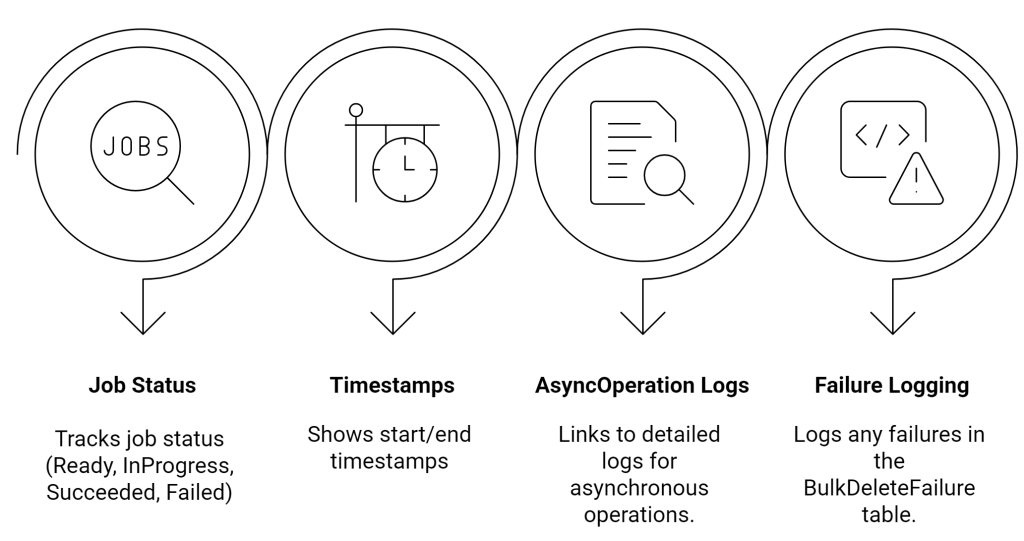
You can monitor job health programmatically:
var job = service.Retrieve("bulkdeleteoperation", jobId, new ColumnSet("statuscode", "successcount", "failurecount"));
Console.WriteLine($"Job Status: {job["statuscode"]} - Success: {job["successcount"]}, Failures: {job["failurecount"]}");
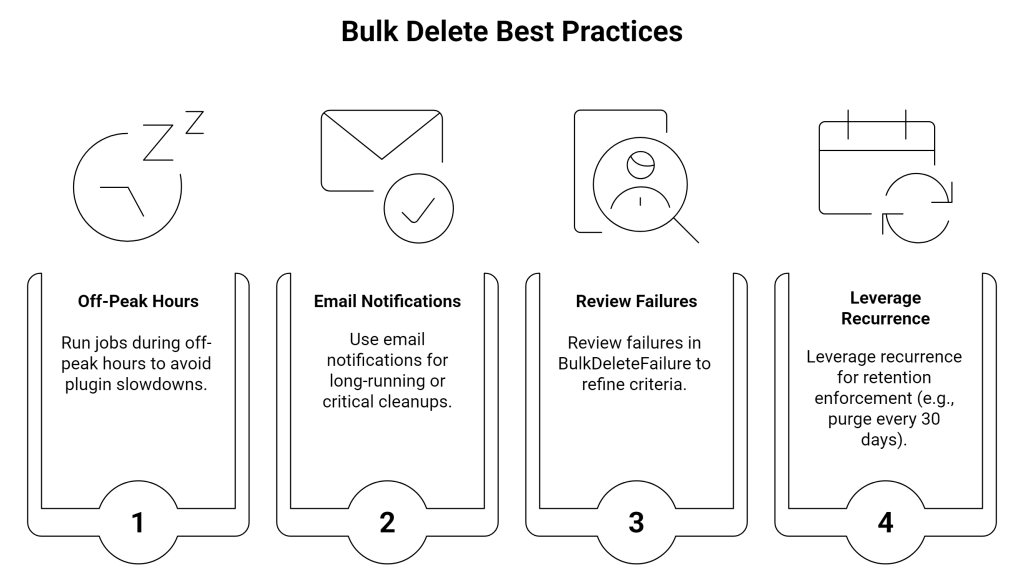
Example Scenario: Nightly Cleanup of Abandoned Cart Records
An e-commerce platform built on Power Platform captures cart data. Abandoned carts (no updates in 7+ days) clutter analytics.
Solution:
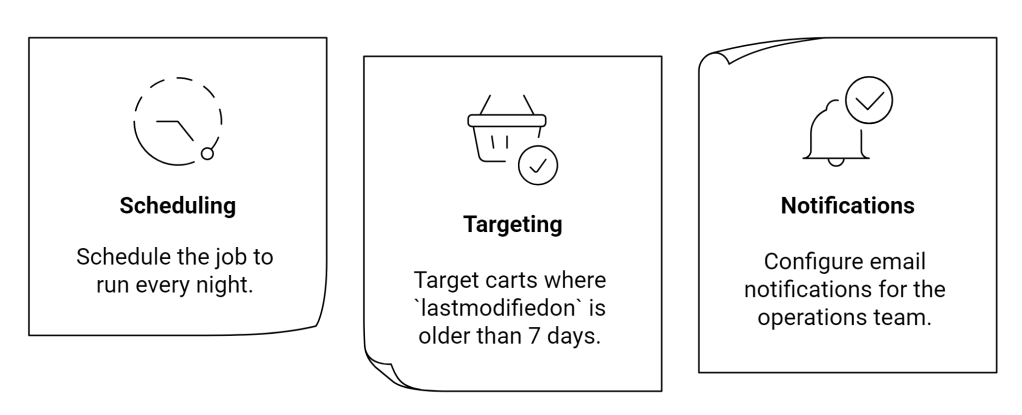
This ensures your insights remain fresh and storage stays lean.
 My Trial