

We have covered the what and how of bulk deletion in Dataverse. But not all data is disposable. In Part 3 of this series, we’ll explore when not to delete, how to manage retained records, and strategies for compliance-friendly cleanup that balances performance with governance.
Understanding Retained Data
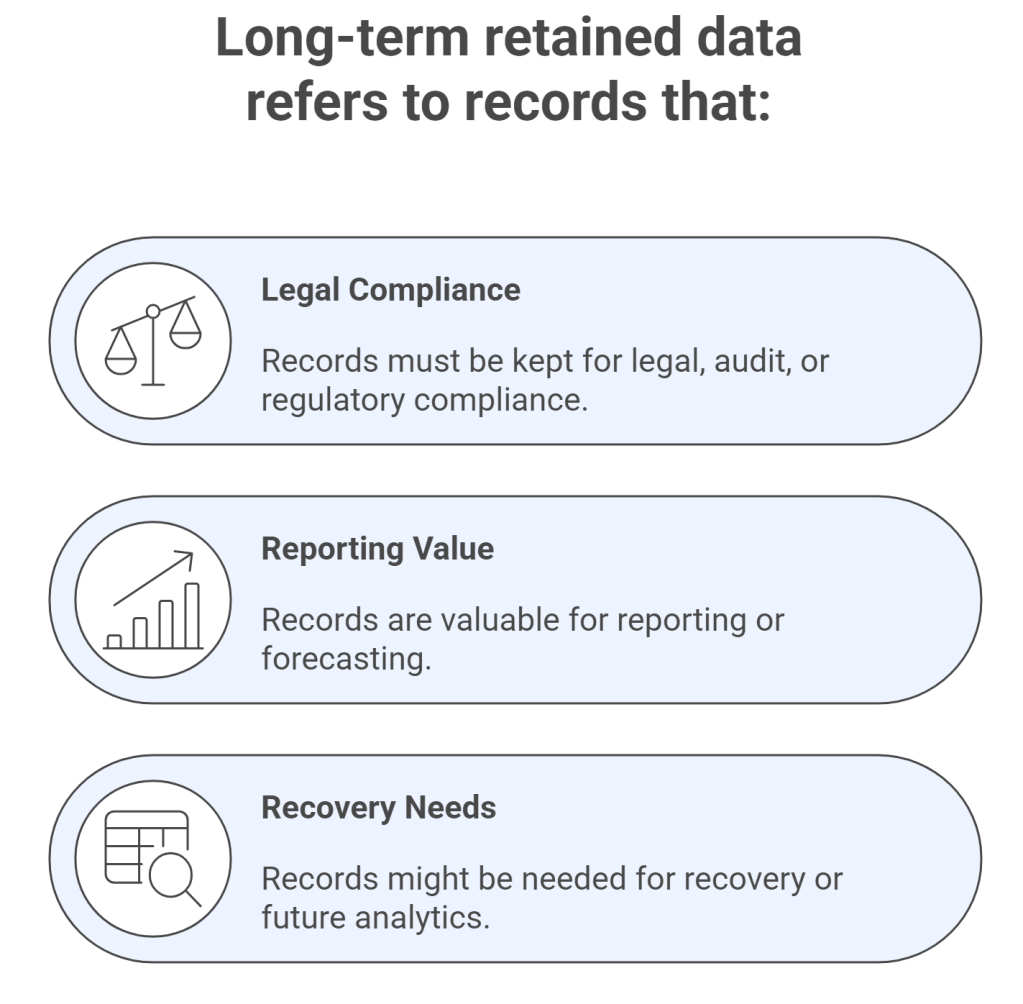
For example:
- In healthcare, patient records must be kept for 7+ years
- In finance, transaction logs need to be retained for audit trails
- In HR systems, terminated employee records must be retained for legal obligations
This kind of data cannot be deleted without violating policy. Instead, it should be:
- Flagged with a retention marker (e.g.
isRetained = true) - Segmented in views to avoid accidental deletion
- Logged into an archival storage system or Azure blob storage
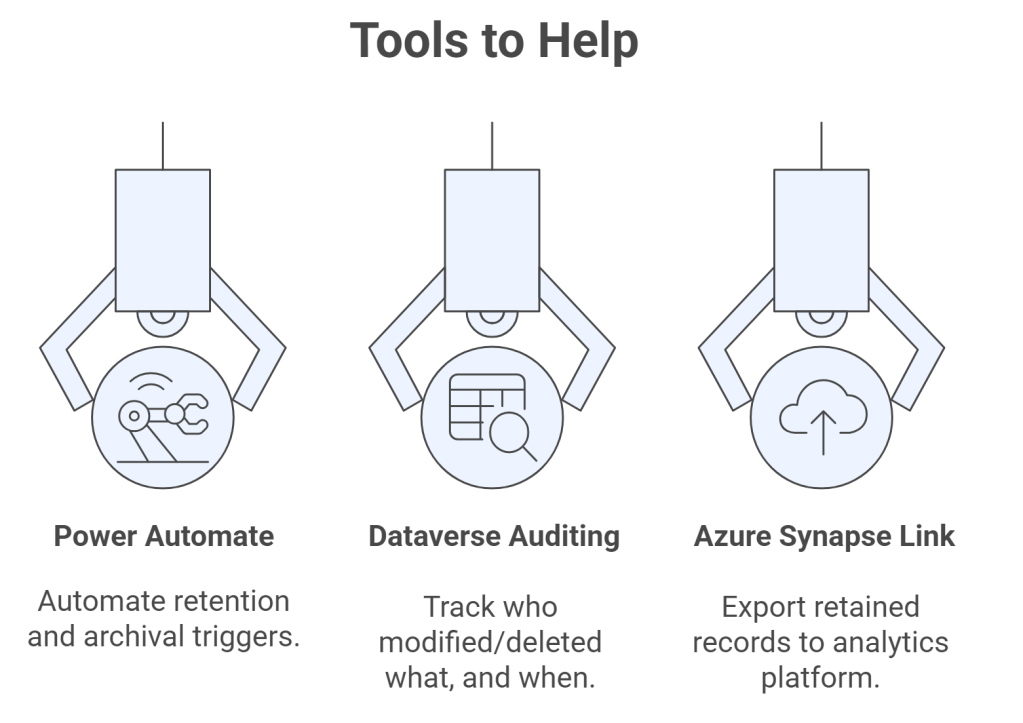
🔍 Tip: Use security roles to restrict who can delete retention-flagged records
Retention-Aware Bulk Delete Jobs
When defining queries for Bulk Delete, ensure they exclude retained records. For example:
query.Criteria.AddCondition("isretained", ConditionOperator.NotEqual, true);
This ensures records with isRetained = true are always skipped.
Scenarios Where Retention Beats Deletion
🗂 Legal Holds: You receive a litigation notice requiring preservation of communication records
📊 Historical Trends: Sales data from 10 years ago still informs current strategy
🏥 Healthcare Records: Even if inactive, records cannot be deleted until retention threshold is passed
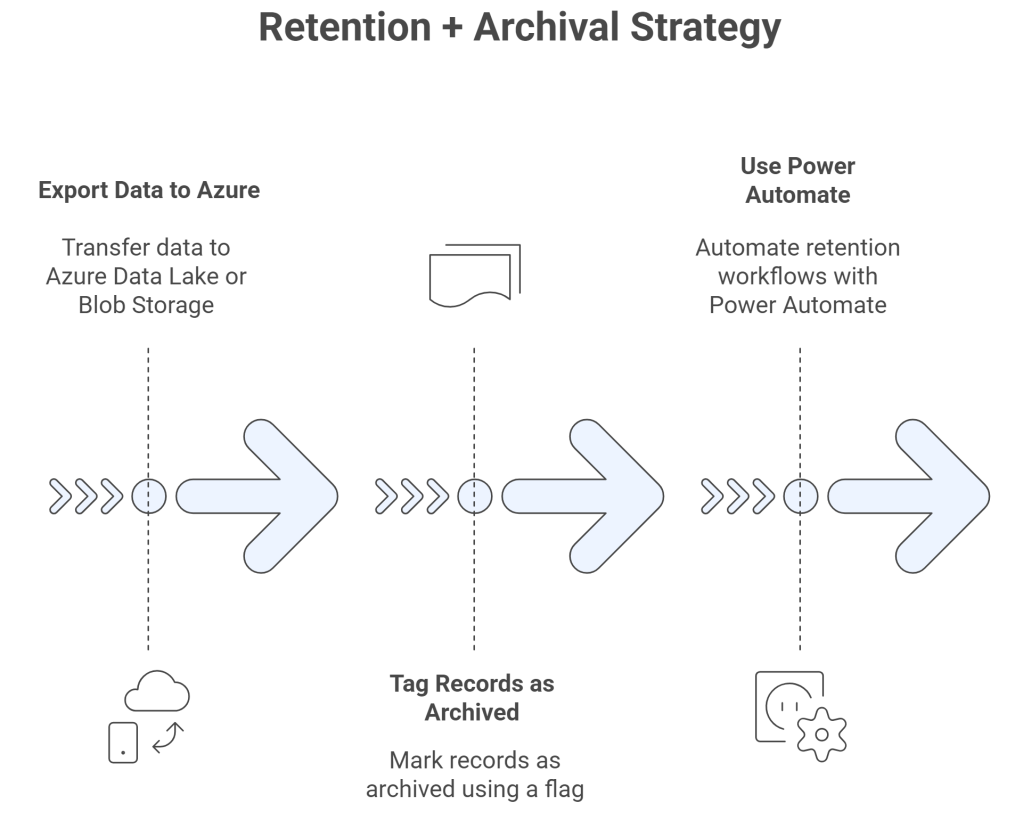
Example: A custom plugin detects records older than 5 years, checks if isRetained is true, and instead of deleting, moves them to long-term storage.
Final Thoughts
Not all cleanups mean purges. Retained data has a lifecycle too it just moves at a different pace. Build retention-aware strategies to keep your system fast and compliant.
 My Trial