

Batching plays a crucial role in effectively managing large-scale data processing, improving performance, and optimizing resource utilization. With Power Automate’s enhanced batching capabilities, the low code/no code approach reaches new heights and addresses various data processing scenarios. Another notable feature is the ability to use changesets, which ensure atomic transactions, allowing for rollback in case of any failure within the batch. Combining batch and changeset functionalities provides a valuable addition for processing Dataverse data.
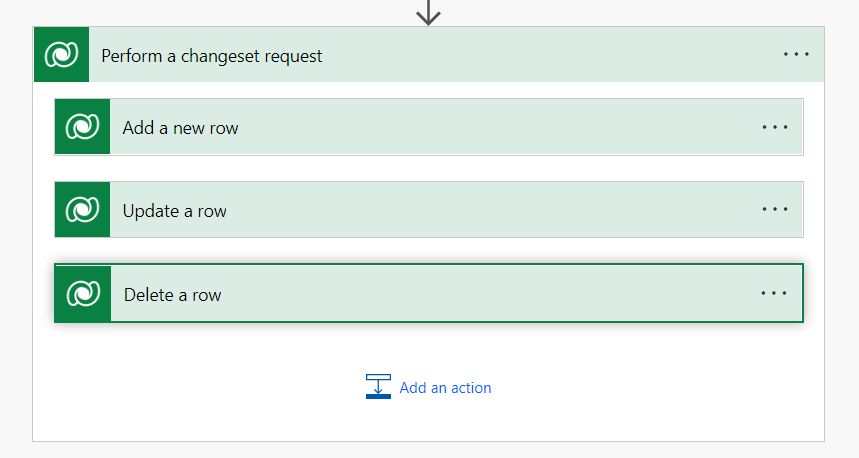
While the Dataverse connector offers the changeset action, enabling the rollback of operations within the changeset block, currently there is no available Batch action for configuration.
The batch can be achieved using the HTTP with Azure AD connector. The header information can be configured as below. The connection can be made specifying Base Resource URL and Azure AD Resource URI as https://{ORG URI}.

The payload i.e. body can be formed using looping if you need a dynamic request or else formed manually. The payload request (create/update/retrieve) format can be reference here. The format will look something like as below.
--batch_{{HASH}}
Content-Type: multipart/mixed;boundary=changeset_{{HASH}}

--changeset_{{HASH}}

Content-Type: application/http
Content-Transfer-Encoding:binary
Content-ID: 1
POST [Organization URI]/api/data/v9.1/{{schemaname}} HTTP/1.1
Content-Type: application/json;type=entry
{{DATAJSON}}

--changeset_{{HASH}}

Content-Type: application/http
Content-Transfer-Encoding:binary
Content-ID: 2
POST [Organization URI]/api/data/v9.1/{{schemaname}} HTTP/1.1 Content-Type: application/json;type=entry
{{DATAJSON}}

--changeset_{{HASH}}--
--batch_{{HASH}}--
 My Trial