

If you’re someone who prefers the old flow designer in Power Automate and would rather not use the new interface, here’s a quick tip for you!
There are a few methods to switch back to the old designer:
- Toggle the “New Designer” flag off within the designer.
- Tamper the URL by adding the query parameter
?v3=false, which takes you back to the old designer.
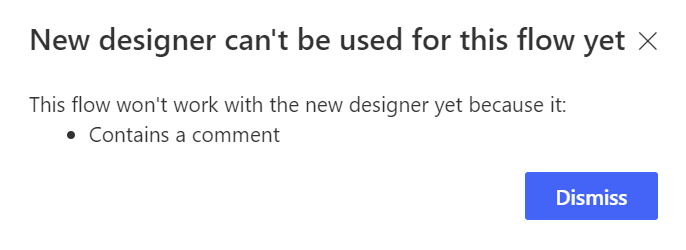
Here’s the most interesting one I recently discovered:
- Simply add a comment to any step in your flow, and voila! You’ll be automatically routed back to the old designer. How simple is that?
This trick will keep working until they officially introduce the comment feature in the new designer.
Enjoy using the old flow designer while it lasts! 😊
 My Trial